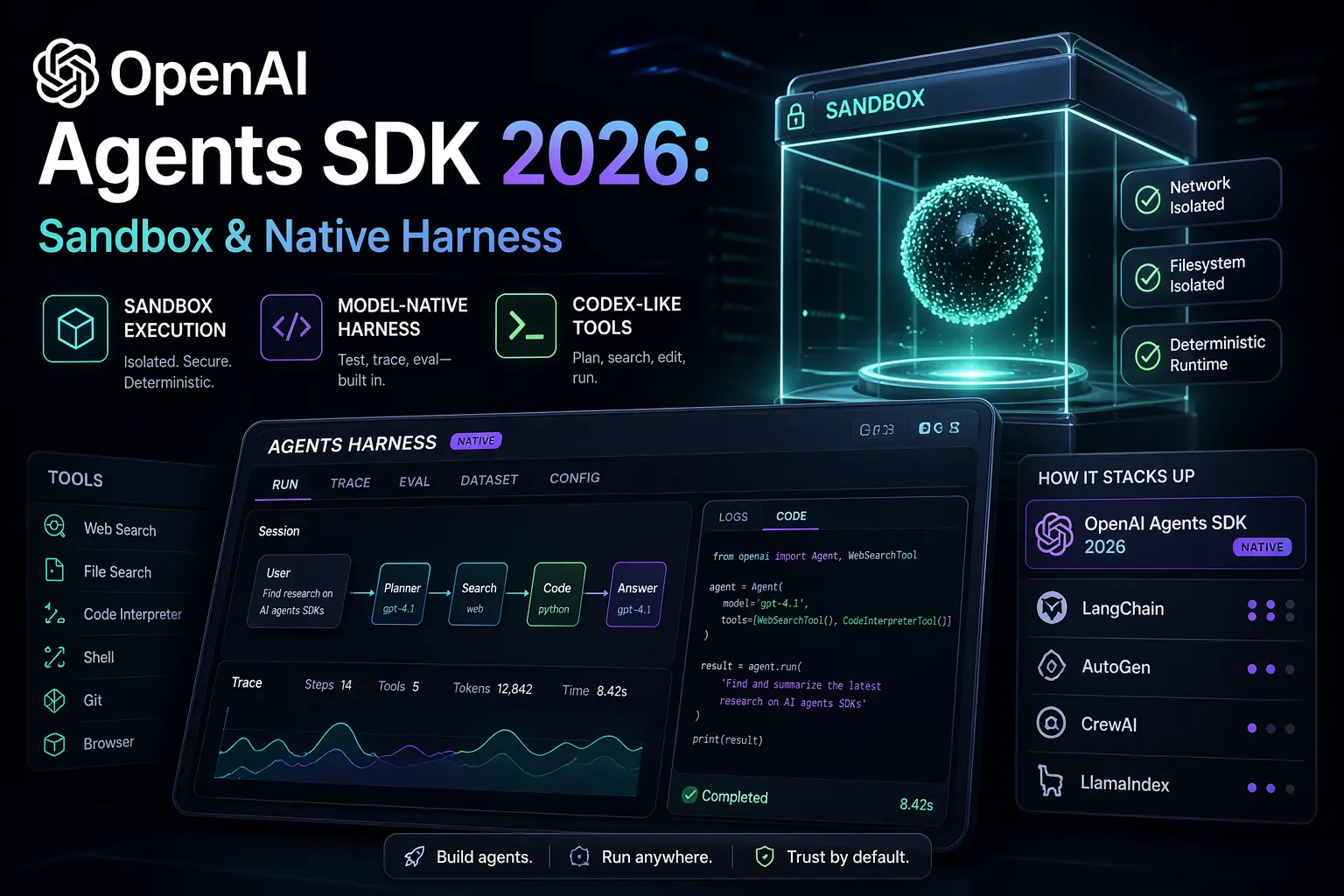
OpenAI Agents SDK 2026: Sandbox & Native Harness
OpenAI's Agents SDK update ships sandbox execution, a model-native harness, and Codex-like tools. Here's what changed and how it compares to rivals.
Understand how Model Context Protocol fits into agentic AI, multi-agent systems, and developer workflows.
Model Context Protocol is one of the connective tissues behind the newer agent stack. This hub puts the protocol explainer, multi-agent system comparisons (CrewAI, LangGraph, multi-agent patterns), tooling integration guides, and MCP server implementations in one place. Covers why MCP is becoming the standard for safe agent tool access, how it connects to agentic AI deployments, and prevents coverage from staying fragmented across multiple pages.
Model Context Protocol (MCP) is an open protocol, introduced by Anthropic in November 2024, that standardizes how AI applications connect to external tools, data sources, and services. Before MCP, every AI product built its own one-off integrations: a custom Slack connector here, a bespoke database plugin there, each with its own authentication, data format, and failure modes. MCP replaces that N-by-M integration problem with a single contract: build one MCP server for your tool, and any MCP-compatible client can use it.
By mid-2026, MCP has become the default answer to "how does my agent talk to the outside world." Anthropic's Claude products, OpenAI's Agents SDK, and most major agent frameworks support it, and the server ecosystem spans filesystems, databases, browsers, cloud platforms, and SaaS APIs.
MCP follows a client-server architecture with three core primitives:
Tools are functions the server exposes for the model to call — "query this database," "create a calendar event," "run this search." The server publishes a schema for each tool; the client presents those schemas to the model; the model decides when to invoke them.
Resources are read-only data the server makes available — file contents, API responses, documentation. Resources let an application load context into a conversation without granting the model the ability to act.
Prompts are reusable, parameterized templates a server can offer — predefined workflows that users or applications can invoke by name.
A host application (Claude Desktop, an IDE, your own agent) runs an MCP client for each server it connects to. Transport is JSON-RPC over stdio for local servers or HTTP for remote ones. This separation matters operationally: the model never holds your credentials. The server does, and the server decides what the model is allowed to see and do.
Three properties drove adoption:
Write once, use everywhere. A team that builds an MCP server for its internal ticketing system gets that integration in Claude, in their IDE assistant, and in their custom agents simultaneously. The integration outlives any single AI vendor decision.
Capability scoping. Servers expose exactly the operations they choose. A database server can offer read-only queries and refuse writes. A filesystem server can be rooted to one directory. This is much easier to audit than prompt-level instructions begging a model to behave.
Ecosystem leverage. Hundreds of open-source MCP servers already exist — for GitHub, Postgres, Slack, Google Drive, Puppeteer-style browsing, cloud providers, and more. Most agent projects start by composing existing servers rather than writing integration code at all.
The ecosystem clusters into several categories:
Official SDKs exist for TypeScript, Python, and other major languages, so writing a custom server for an internal API is typically a day of work, not a quarter-long project.
MCP shifts integration risk from "the model has my API key in its prompt" to a more conventional software-security surface, but it does not eliminate risk:
These concerns are why MCP and AI governance are converging topics: the protocol gives you the enforcement point (the server), and governance frameworks tell you what policies to enforce there.
| Approach | Portability | Security model | Maintenance burden |
|---|---|---|---|
| MCP server | Works across MCP clients | Credentials stay server-side, capability-scoped | One server per system |
| Native function calling | Locked to one model API | Schemas embedded in app code | Re-implemented per app |
| Framework-specific plugins | Locked to one framework | Varies by framework | Re-implemented per framework |
| Direct API calls in prompts | None | Credentials risk exposure | High, ad hoc |
Native function calling is still the right choice for a single, tightly-scoped tool inside one application. MCP wins when the same integration needs to serve multiple clients, when credentials need isolation, or when you want to lean on the existing server ecosystem.
For most teams, the practical adoption path looks like this:
Q: Is MCP required to build AI agents? A: No. Agents can use native function calling or framework-specific tools. MCP is the standard you adopt when you want integrations that are portable across clients and frameworks, with credentials kept out of the model's context.
Q: Who controls the MCP specification? A: MCP was created by Anthropic and released as an open standard with open-source SDKs. The specification and reference implementations are developed publicly, and major AI vendors beyond Anthropic have adopted it.
Q: Does using MCP expose my credentials to the model? A: No — that is one of its main design points. Credentials live in the server process. The model only sees tool schemas and the results the server chooses to return.
Q: Can MCP servers run remotely? A: Yes. Local servers communicate over stdio; remote servers use HTTP-based transport with authentication. Remote servers are how organizations share one managed integration across many users.
Q: How is MCP different from a REST API? A: An MCP server usually wraps a REST API, but adds the pieces an AI client needs: machine-readable tool schemas the model can reason about, a session model for context, and a uniform protocol so the client doesn't need bespoke code per service.
Canonical coverage grouped under one topic.
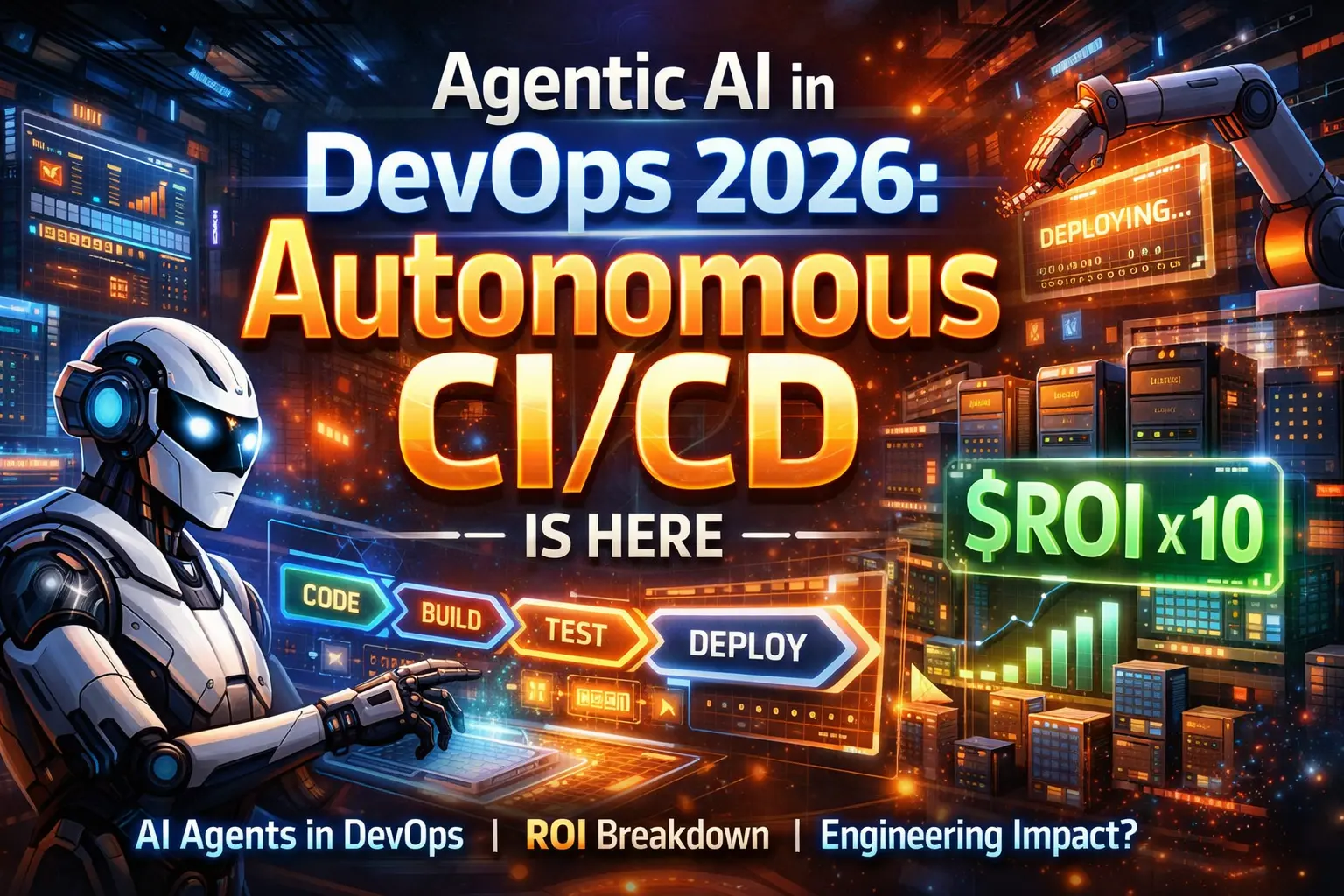 News
News AI agents are taking over DevOps pipelines in 2026. Explore frameworks, deployment ROI, and what this means for engineering teams managing autonomous CI/CD.
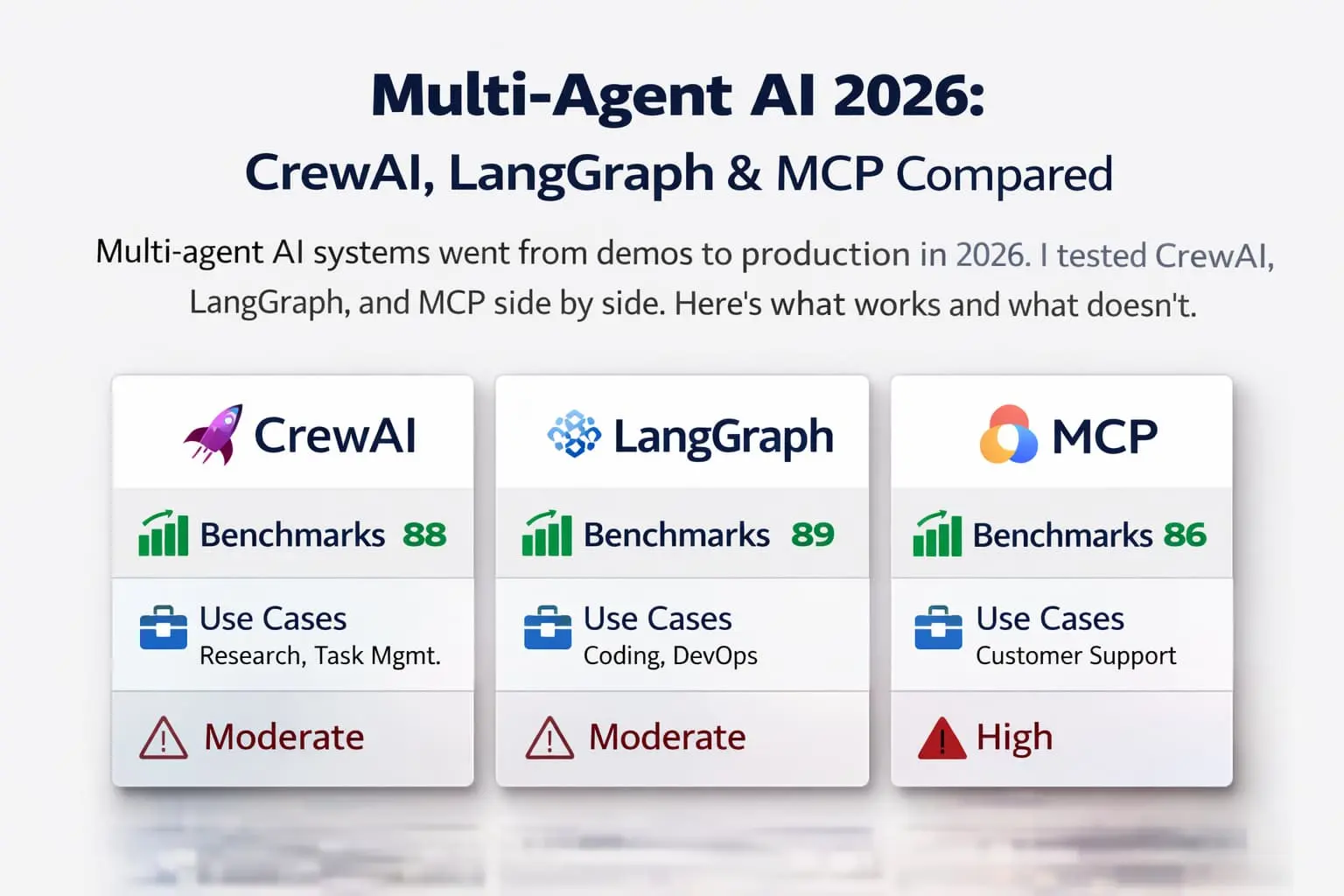 AI Tools
 CrewAI vs LangGraph vs MCP in 2026 for building multi-agent systems: which framework to pick, what changed in MCP, and the tradeoffs that decide it.
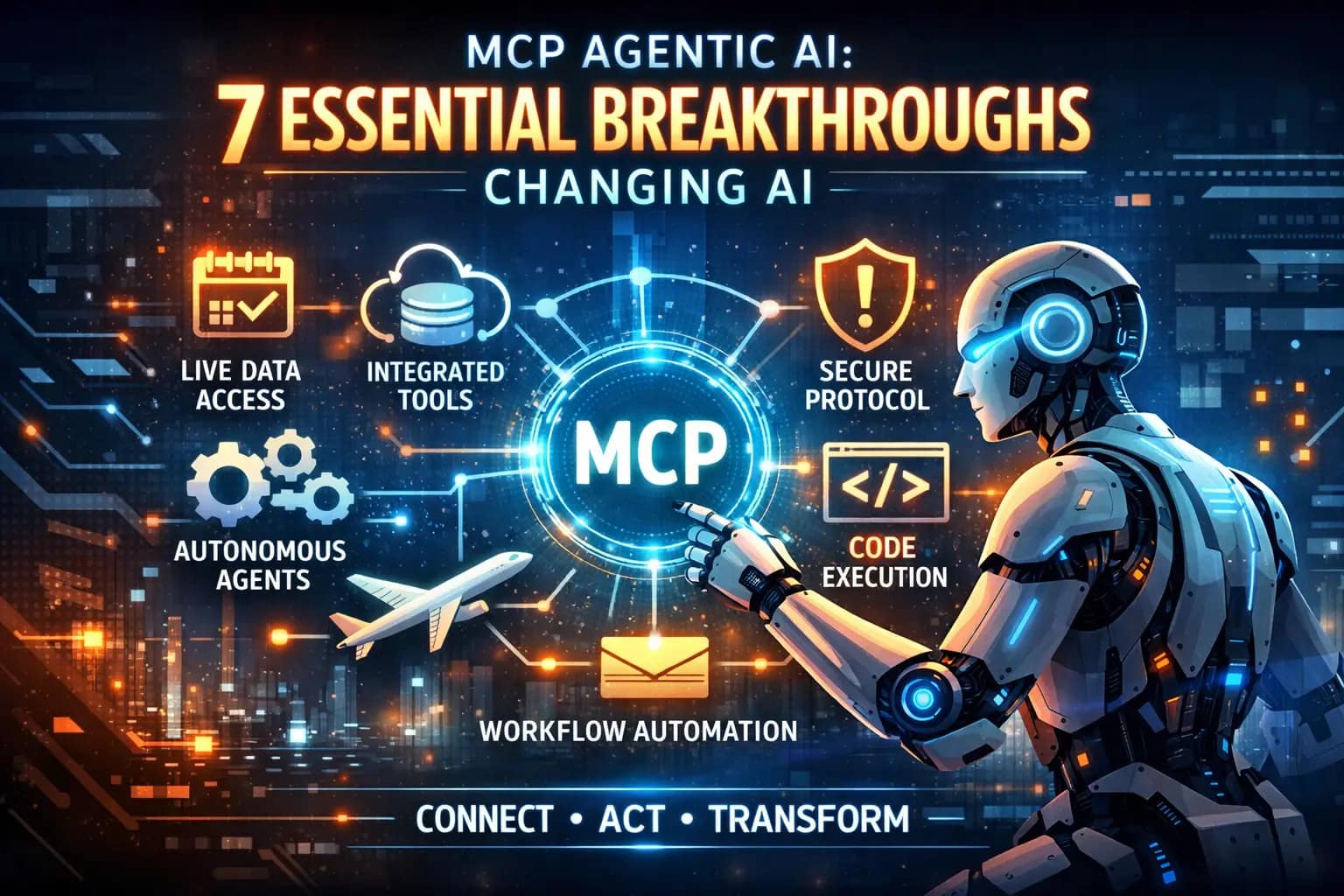 How-To
 Learn how Model Context Protocol (MCP) lets AI agents use real tools and live data. Covers MCP architecture, security risks, and practical use cases for 2026.