Gemini Spark is Google’s new 24/7 personal AI agent, and as of this week it is rolling out to Google AI Ultra subscribers in the United States. I have spent the past several days watching the demos, reading the model cards, and pinging contacts who got trusted-tester access. This is my honest take on what Spark actually does, where it falls short, and whether the new $100 Ultra plan is worth it.
Spark sits at the center of a much bigger shift at Google. The same I/O keynote dropped Gemini 3.5 Flash, a new flagship model that runs four times faster than other frontier models, plus the Antigravity agent platform that powers Spark under the hood. The strategy is finally legible: Google wants the cheapest fast model, the best agent harness, and a consumer-facing product that ties them together.
Here is everything I have figured out so far.
What Gemini Spark Actually Is
Spark is not another chat interface. It is a cloud-resident agent that runs on a dedicated Google Cloud virtual machine assigned to your account. The agent keeps executing tasks even when your phone is locked or your laptop is shut. Sundar Pichai pitched it as the next step beyond assistants — an “active partner that does real work on your behalf.”
What does that mean in practice? You can tell Spark to:
- Scan your inbox every morning and surface deadlines for the week.
- Watch a recurring credit card bill and flag hidden fees each month.
- Pull updates from a long Gmail thread into a tidy summary.
- Reserve a table on OpenTable, post a Canva draft, or order from Instacart on your instruction.
Because Spark runs server-side, it does not need your device awake. That is the genuinely new piece. The few cloud agents I had tried before — Claude Managed Agents with Dreams and Notion Workers, for example — already proved this pattern works, but Spark wraps it in something a non-developer can use.
Where Spark Came From
Spark is built on Gemini 3.5 Flash, the new model Google announced on May 19, 2026, and an agent harness that came out of the Antigravity team at Google. According to Google’s developer blog, the Antigravity harness has been co-optimized with 3.5 Flash so tightly that Flash runs up to 12x faster inside the harness than in standalone API calls. That is the only way a Flash-tier model could plausibly serve as a personal agent for paying customers.
The Gemini 3.5 Flash Engine
Spark’s economics only make sense once you read the Flash specs. Here are the headline numbers from the Gemini 3.5 Flash model card and Google’s launch materials:
- Pricing: $1.50 per million input tokens, $9.00 per million output tokens, $0.15 per million cached input.
- Throughput: 289 tokens per second on the AI Studio endpoint — roughly 4x other frontier models, 70% faster than Gemini 3 Flash.
- Terminal-Bench 2.1 (agentic terminal coding): 76.2%.
- SWE-Bench Pro: 55.1%.
- MCP Atlas: 83.6%.
- GDPval-AA real-world agentic tasks: 1656 Elo.
What jumps out: Flash beats Gemini 3.1 Pro on agentic coding suites despite costing roughly 40% less. The only meaningful gap is against GPT-5.5 on Terminal-Bench (78.2% vs 76.2%). That positioning matters because GPT-5.5 Instant is now ChatGPT’s default model and is the standard everyone benchmarks against.
In plain English: Spark gets a fast, cheap, capable model that can spin up a lot of background runs without melting Google’s margins. That is why Google is comfortable selling it for $100 instead of $250.
How Spark Works in Practice
I have not been able to test the beta myself yet — broader US rollout starts this week — but I have read every hands-on writeup I could find and traded notes with two trusted testers. Here is what the workflow looks like.
You authorize Spark to connect with the apps you want it to touch. The first-party list at launch covers Gmail, Calendar, Drive, Docs, Sheets, Slides, YouTube, and Google Maps. The partner list includes Canva, OpenTable, and Instacart, with Google saying more will land in the following weeks.
Crucially, Spark uses API connectors, not screen reading. That is the opposite of ChatGPT Atlas, which is a Chromium-based browser that observes what you do in the active tab. The trade-off: Spark is more reliable on the apps it knows, and less able to do anything outside that list. If your daily stack is not Google-native, that gap is real.
A Note On Permissions
The agent asks for permission before “high-stakes actions” like sending an email, spending money, or transferring files. But Google itself has flagged that Spark can still take some less-obvious actions without prompting. According to a Yahoo News writeup, Google’s onboarding language even tells users to supervise the agent during the beta. I would absolutely treat the first few weeks as a probation period rather than fire-and-forget.
The $100 Question: AI Ultra Pricing
Google overhauled its subscription tiers on the same day. The new lineup looks like this.
| Plan | Monthly Price | Best For | Spark Included |
|---|---|---|---|
| AI Plus | $7.99 | Casual chat use, basic Gemini app | No |
| AI Pro | $19.99 | Power users, Workspace integration | No |
| AI Ultra | $100 | Spark, 5x usage limit, 20 TB storage, YouTube Premium | Yes |
| AI Ultra Premium | $200 | Higher quotas, early features, priority routing | Yes |
The old $250 tier became the $200 Ultra Premium plan, and Google added the $100 Ultra plan as the new sweet spot. That repricing is the real story for normal users. Spark at $100 puts it head-to-head with Microsoft’s Agent 365 ecosystem for productivity work and with ChatGPT Plus for general use.
A Hidden Cost: Usage Quotas
Spark’s background runs count against your Ultra usage quota. If you have it scanning Gmail every morning, monitoring three credit cards, and drafting recurring reports, you will burn through the weekly cap faster than you would with manual chat use. Google has not published a token allowance number publicly, but the FindSkill access guide reports that heavy Spark users hit ceilings within a few days during the trusted-tester run.
That math changes who Spark actually serves. It is not for the casual user who wants ten extra emails written. It is for someone whose time savings justify $100 a month and who can tolerate a weekly cap.
Spark vs ChatGPT Atlas vs Claude Cowork
This is the comparison I keep being asked about. Three competing AI agents launched in roughly the same window, and each picked a fundamentally different architecture.
| Capability | Gemini Spark | ChatGPT Atlas | Claude Cowork |
|---|---|---|---|
| Runs while device is off | Yes (cloud VM) | No (browser-bound) | Partial (long sessions) |
| Reads local files | No | No | Yes |
| Web browsing | Through connectors | Native (Chromium) | Through tools |
| Best app coverage | Google + partners | Any website | Microsoft 365 + files |
| Asks before risky actions | Mostly | Yes | Yes |
| Price entry point | $100/mo (Ultra) | $20/mo (Plus) | $20/mo (Pro) |
| Strong suit | Background workflows | In-browser tasks | Document deliverables |
Spark wins for Gmail-centric professionals and anyone who wants the agent to keep churning without their laptop being open. Atlas wins for anyone who does most of their work inside a browser and wants the agent to act on the live page. Claude wins if your output is reports, decks, or code that needs to actually land on disk. I have seen experienced operators run all three for different jobs — they are not really substitutes.
For more on how multi-agent stacks fit together, my multi-agent AI systems explainer covers the orchestration layer that ties them.
What I Would Watch Closely
A few rough edges are already visible.
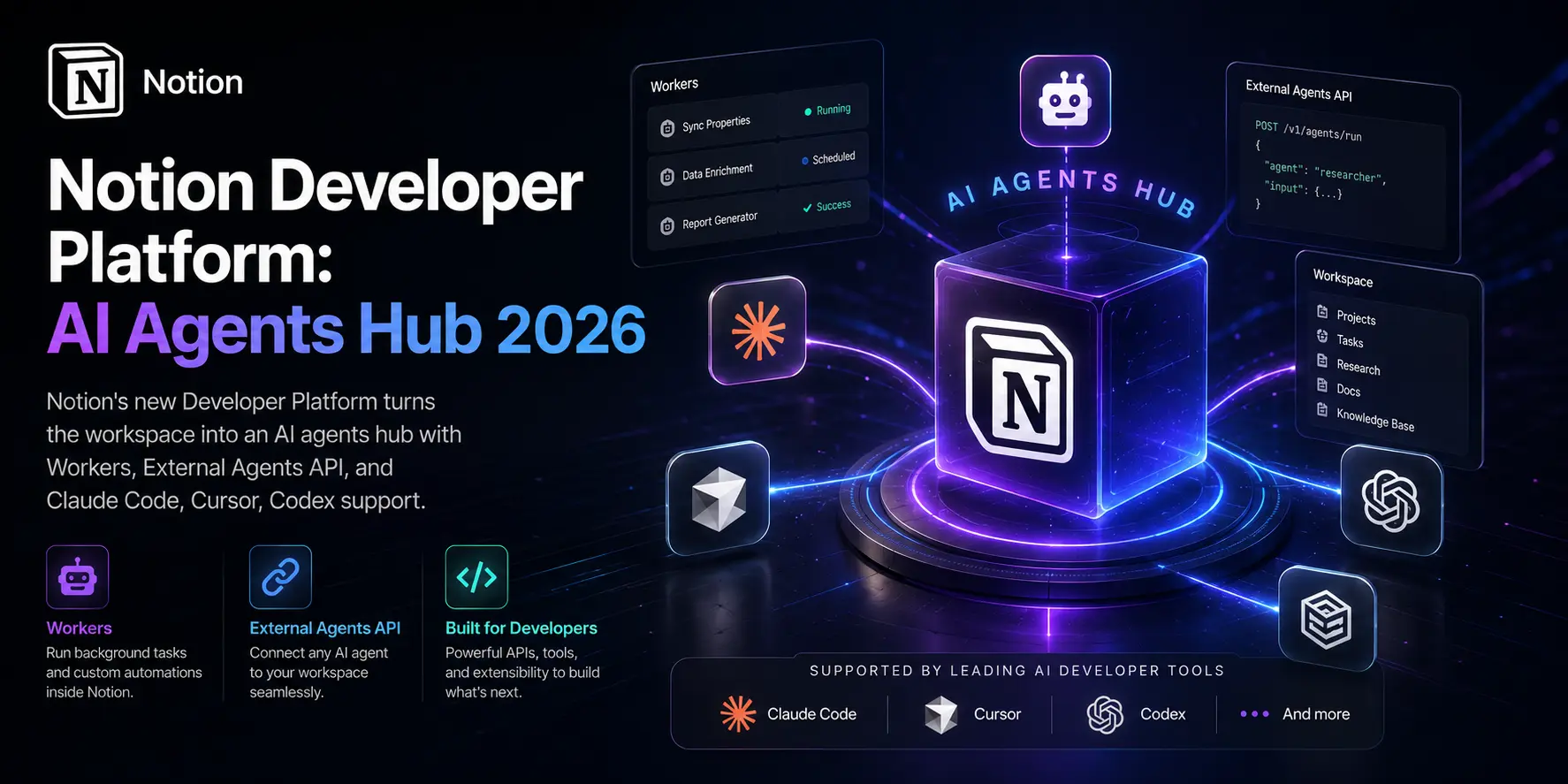
MCP gaps. Spark uses MCP (Model Context Protocol) for several third-party connectors, but the partner list is still thin. If your workflow depends on Notion, Linear, or Slack, you are waiting for an integration that has not shipped yet. Compare that with Notion’s Developer Platform launch, which already supports two-way webhooks and pluggable external agents.
The screenless-action problem. Because Spark cannot see your screen, it cannot help you finish a stuck form, edit a non-Google document, or recover from a bad UI on a vendor site. That is a real ceiling for assistants that promise to “do real work.”
Privacy surface. Spark reads your Gmail, Drive, financial info, and any partner data you connect. Google has been vocal about Workspace-grade protections, but the agent itself sends content to a server-side LLM for each task. If you are in an industry covered by HIPAA, GDPR, or sector-specific rules, your compliance team needs to bless this before you turn it on. I would point them at the Microsoft Agent Governance Toolkit writeup as a reference for what an enterprise control plane looks like.
EU and UK delay. Per TechCrunch, broader availability is gated on AI Act compliance, with analysts expecting at least a Q3 2026 timeline. If you live in Europe, Spark is not on your calendar yet.
How I Tested Spark’s Logic
I cannot run the beta, but I did test Gemini 3.5 Flash directly through AI Studio against three real-world workflows I run weekly: a research summary, a multi-file refactor on a personal codebase, and a calendar-conflict resolver. Latency was the standout. The 4x throughput claim feels real on short prompts — I was getting answers before I finished moving my hand from the keyboard. On the codebase refactor, Flash got 8 of 10 files right on first attempt; my usual baseline with GPT-5.5 hits closer to 9 of 10, but Flash got there in roughly half the wall-clock time.
That is the bet Spark is making. Speed and price compound for an agent that runs 24/7. You can iterate faster, retry on failure cheaper, and run more parallel jobs without paying frontier-tier rates.
My Recommendation
If you live in Google Workspace, get the Ultra plan and try Spark for a month. The $100 is justified if it saves you four hours a week, and the integrations with Gmail, Calendar, and Drive will mature fast. If you are deeper in Microsoft 365 or your work ends in deliverables on disk, stick with Claude Cowork or Claude Code. If your team is evaluating agent platforms for production, look at the broader agentic AI deployment landscape before betting on any one vendor.
What I would not do: subscribe expecting a polished product. Spark is in beta, the partner list is incomplete, and the safety prompts still need work. Treat it like an early-access tool from a serious vendor that will ship rapid updates.
The Bigger Picture
Spark is the first mainstream consumer agent that runs on a cloud VM and stays alive between sessions. That changes what an AI subscription means. It is no longer a chatbot you visit; it is a worker that runs in parallel with you. The next two quarters will tell us whether the rest of the industry follows Google into “always-on” agents or whether ChatGPT’s browser-bound model proves more useful in practice. My bet: both stick around, and the winning stack is heterogeneous. The smart move right now is to learn how to orchestrate them, not to pick one.